WINDOWS
Download mRetinaAI for Windows
On-device OCT & FFA decision support, case generation, and offline privacy
Now on Windows. All processing happens locally — no cloud, no patient data upload.
On-device OCT & FFA decision support, case generation, and offline privacy
Now on Windows. All processing happens locally — no cloud, no patient data upload.
mRetinaAI for Windows delivers the same offline, clinic-ready toolkit — optimized for fast chair-time workflows and private, on-device processing.
C:\Users\<You>\AppData\Local\Programs\mRetinaAI) and click
Install.
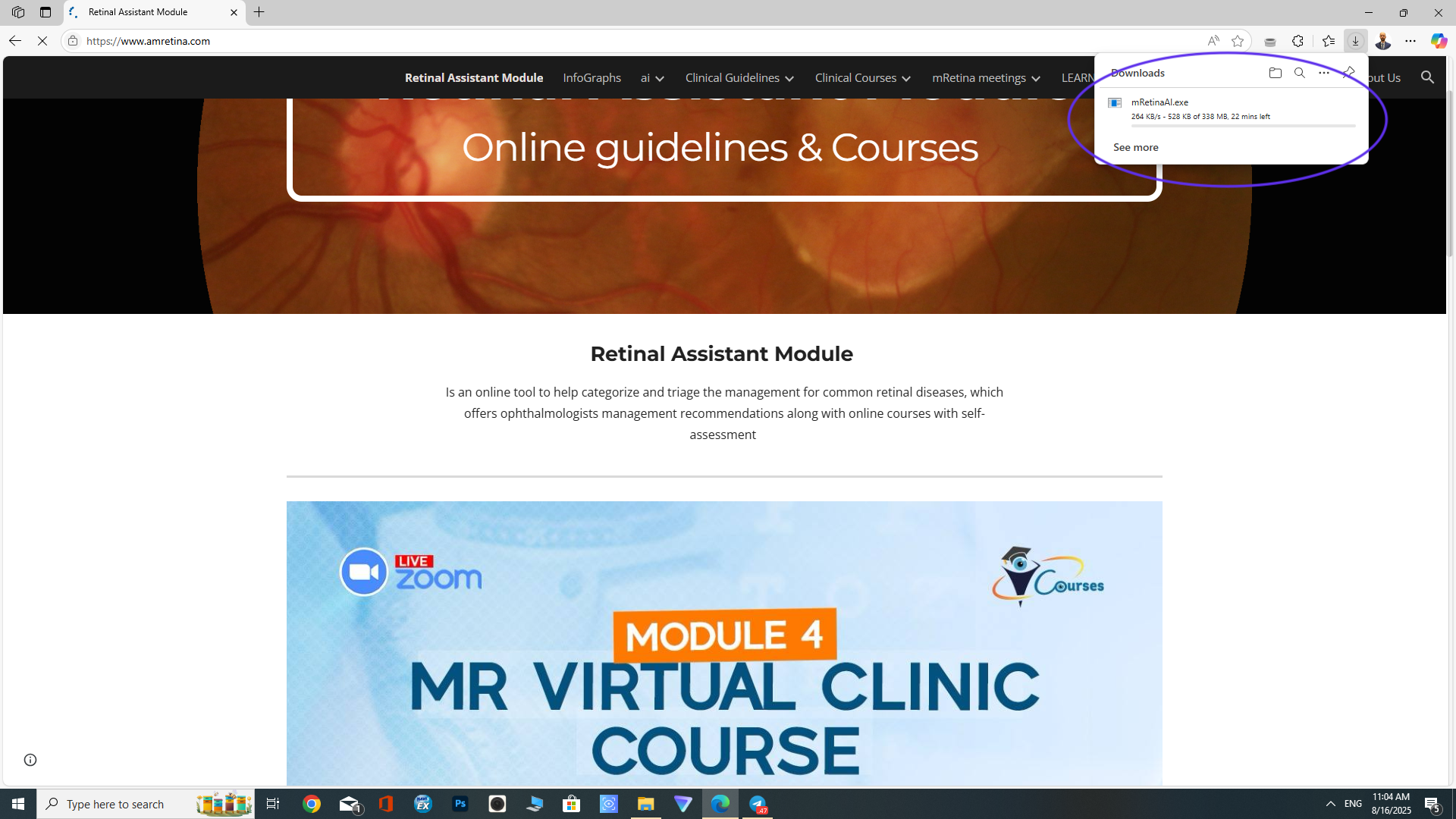
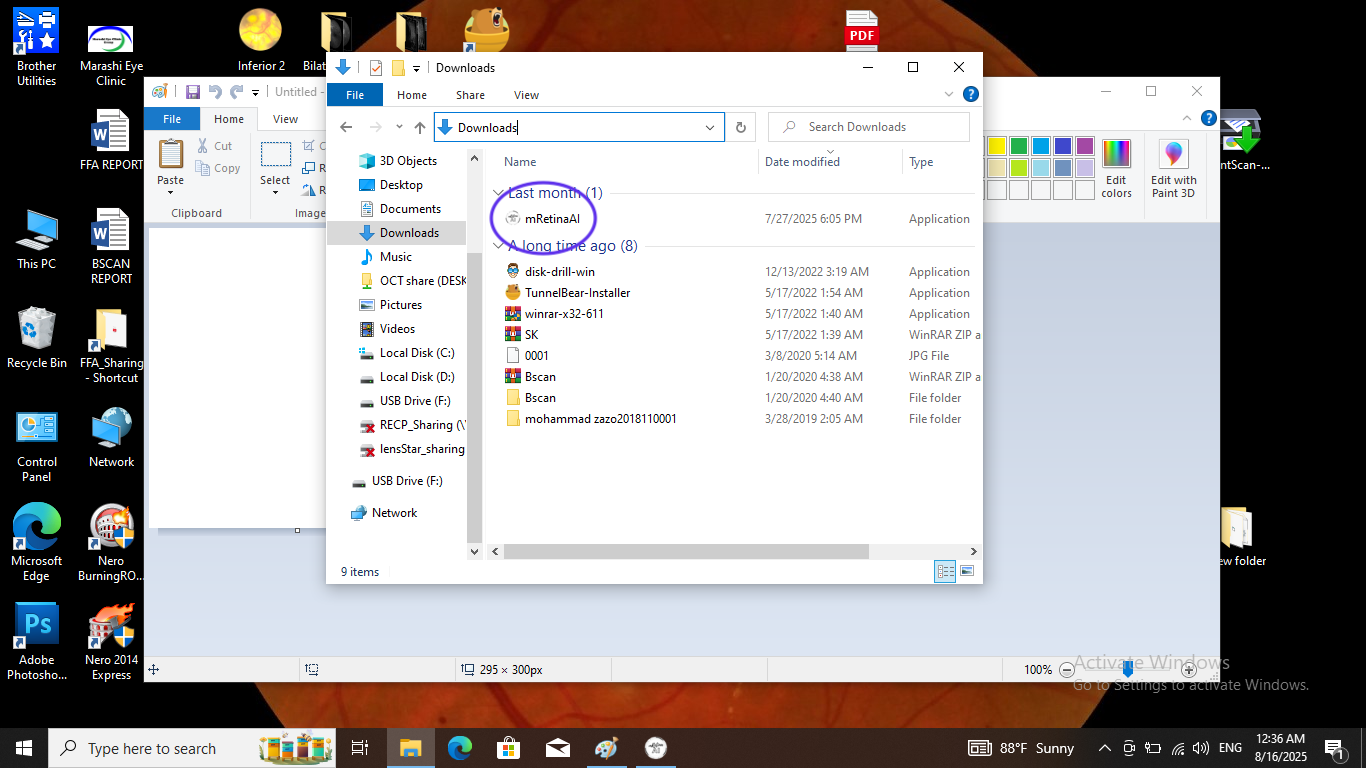
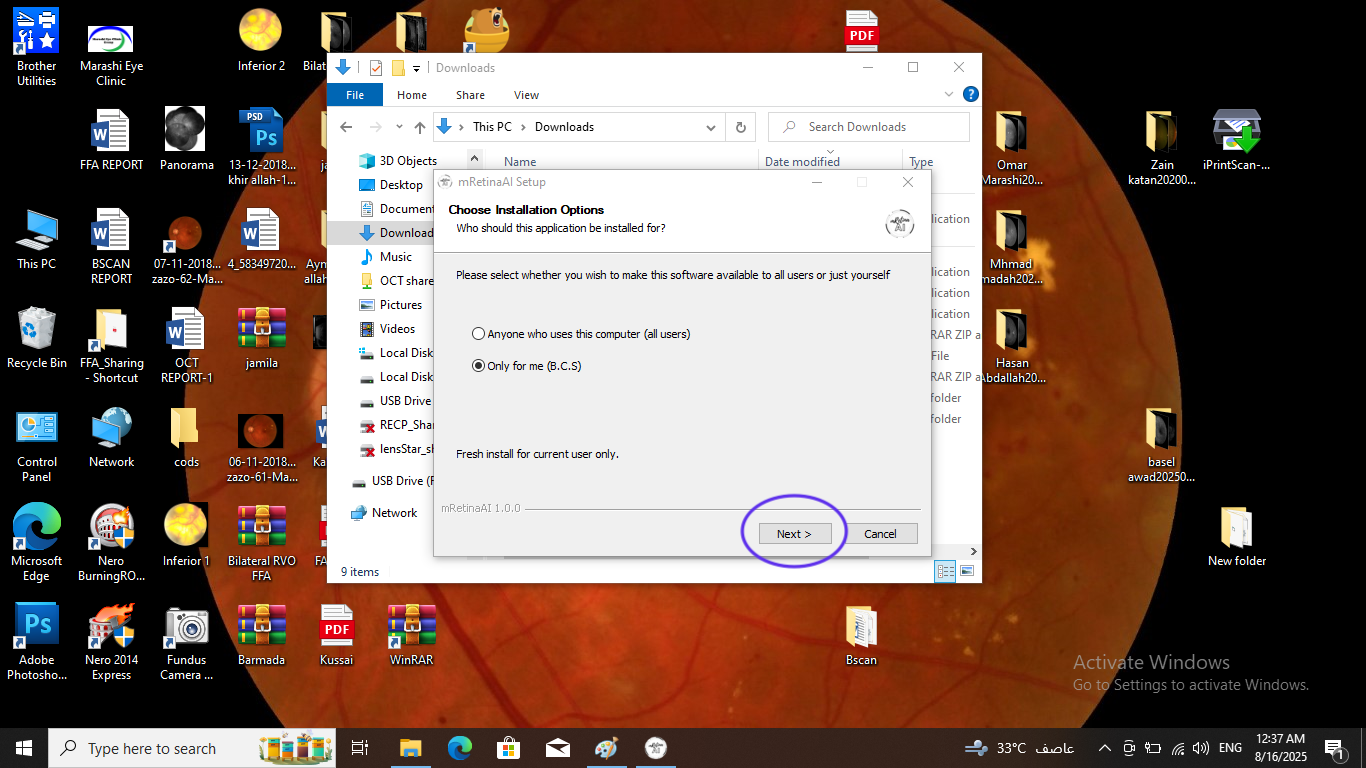
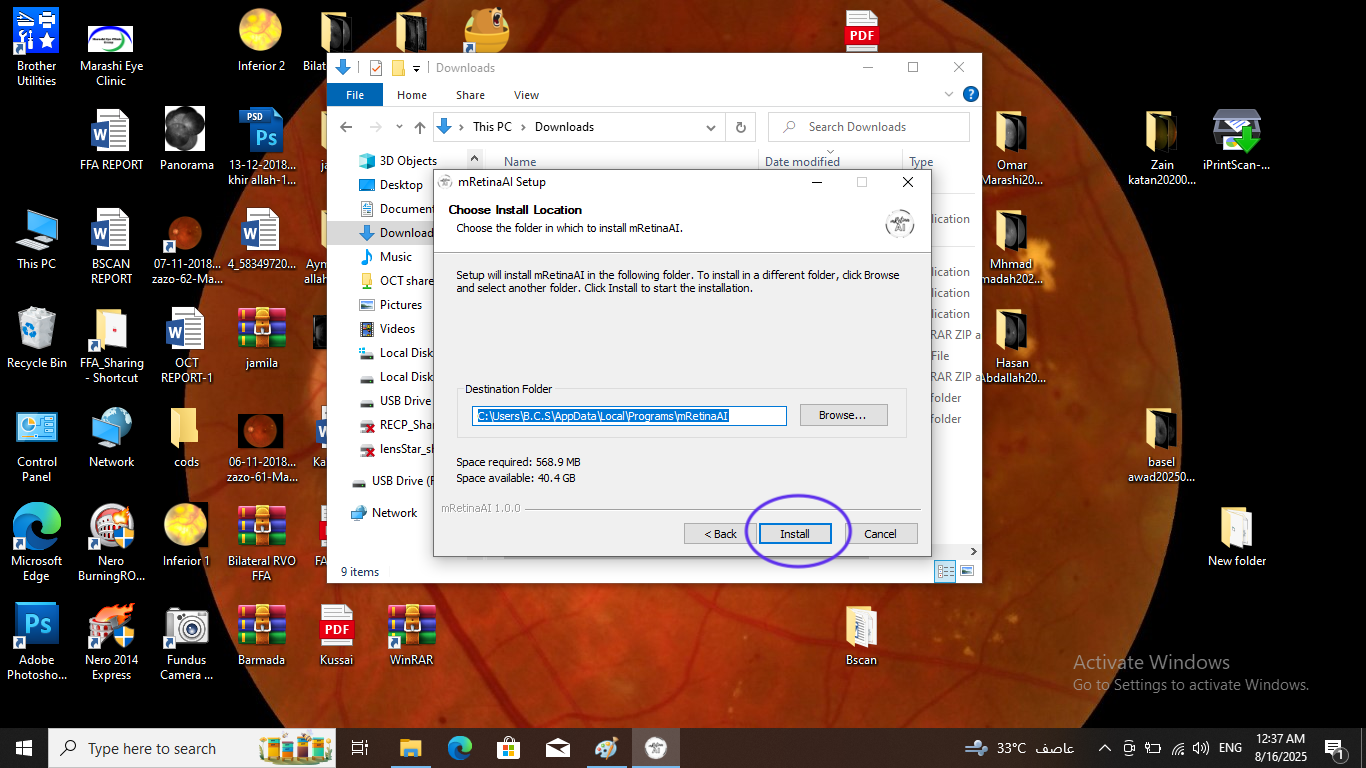
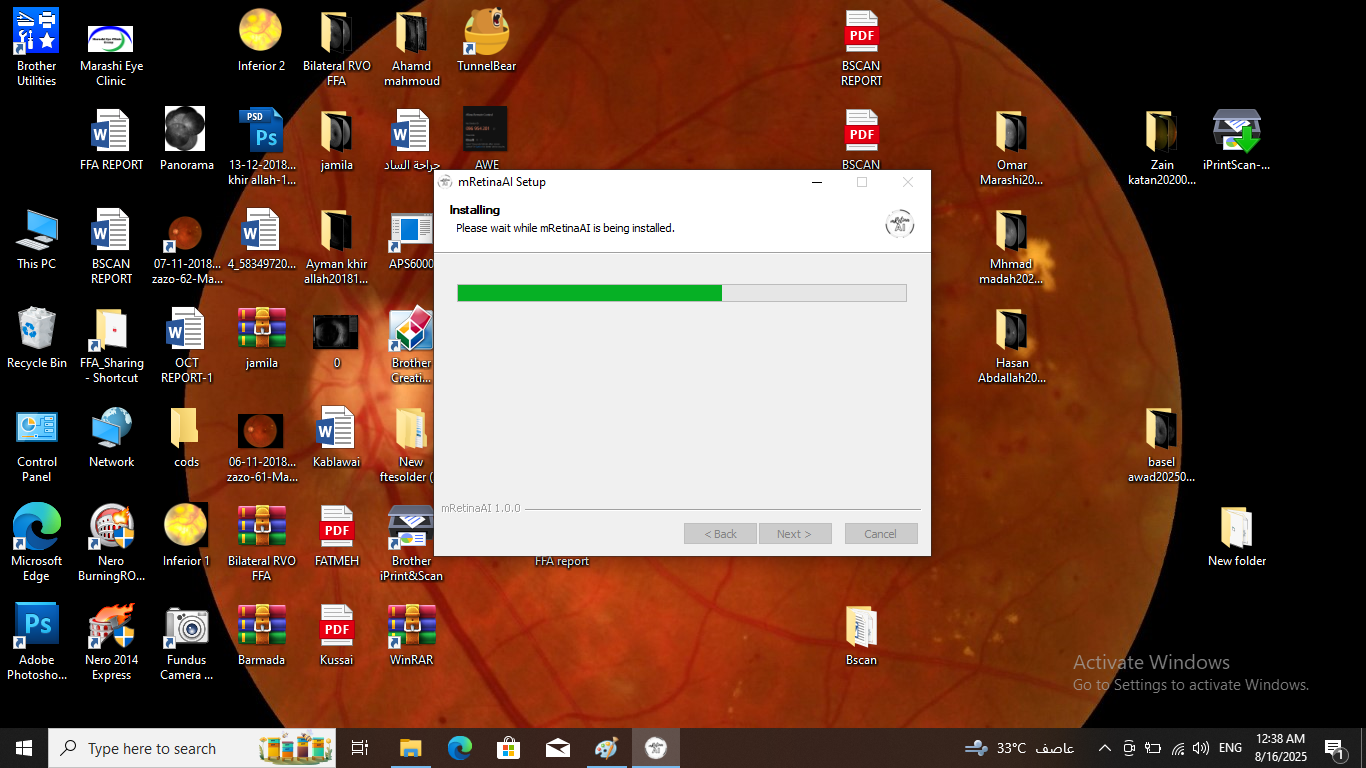
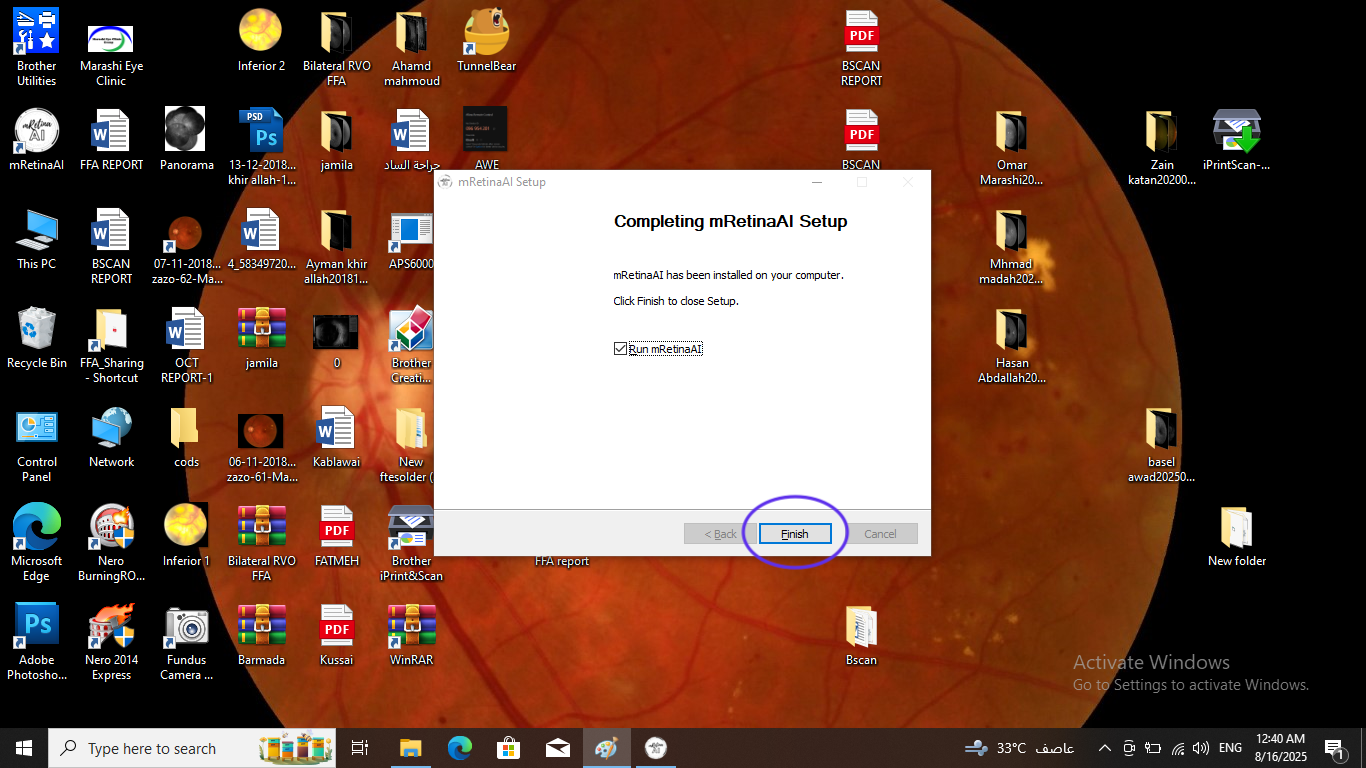
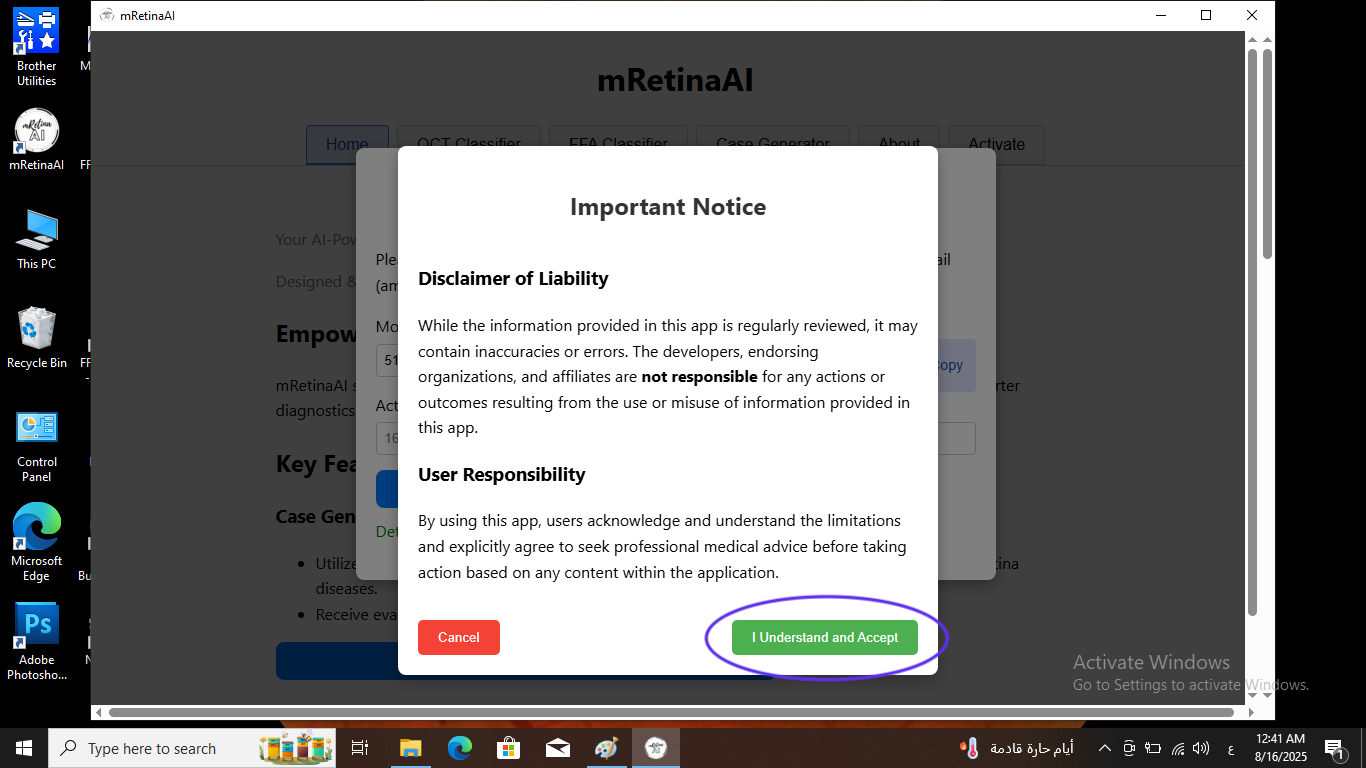
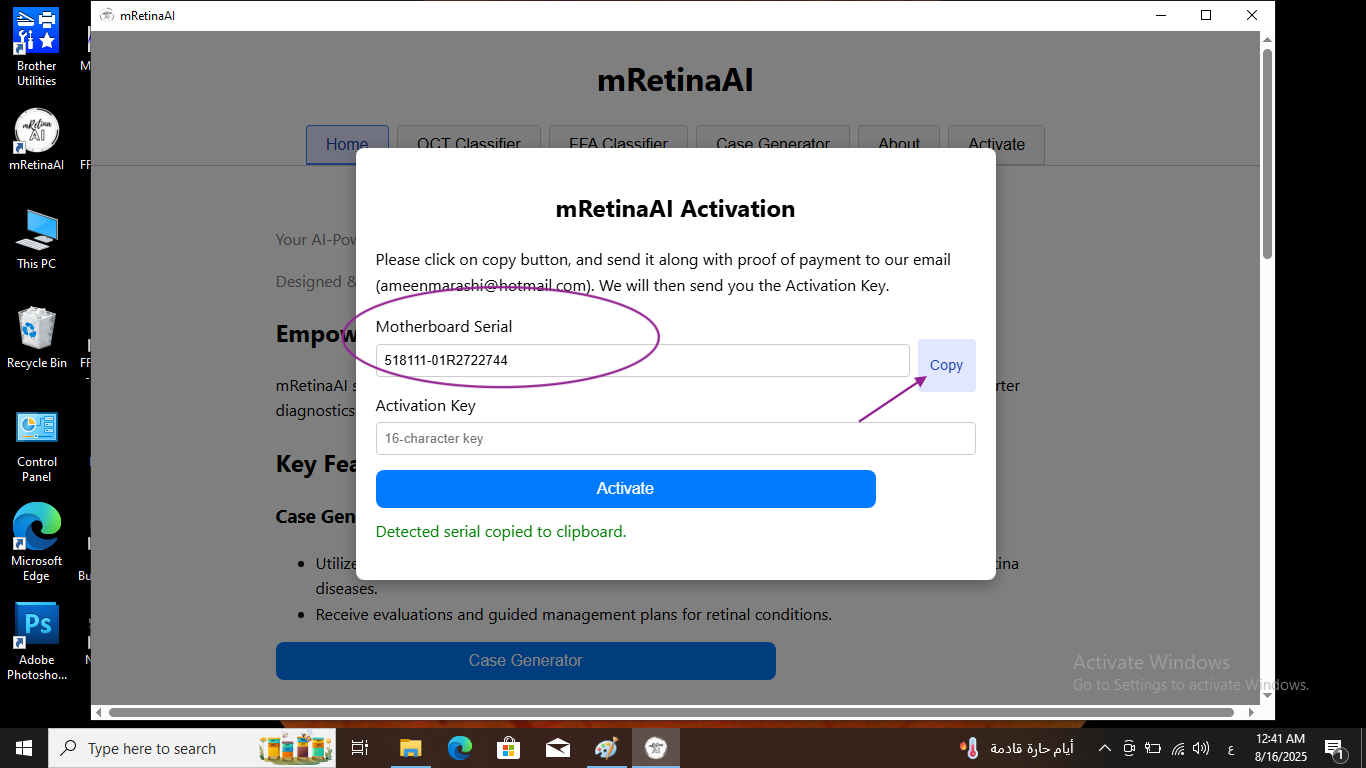
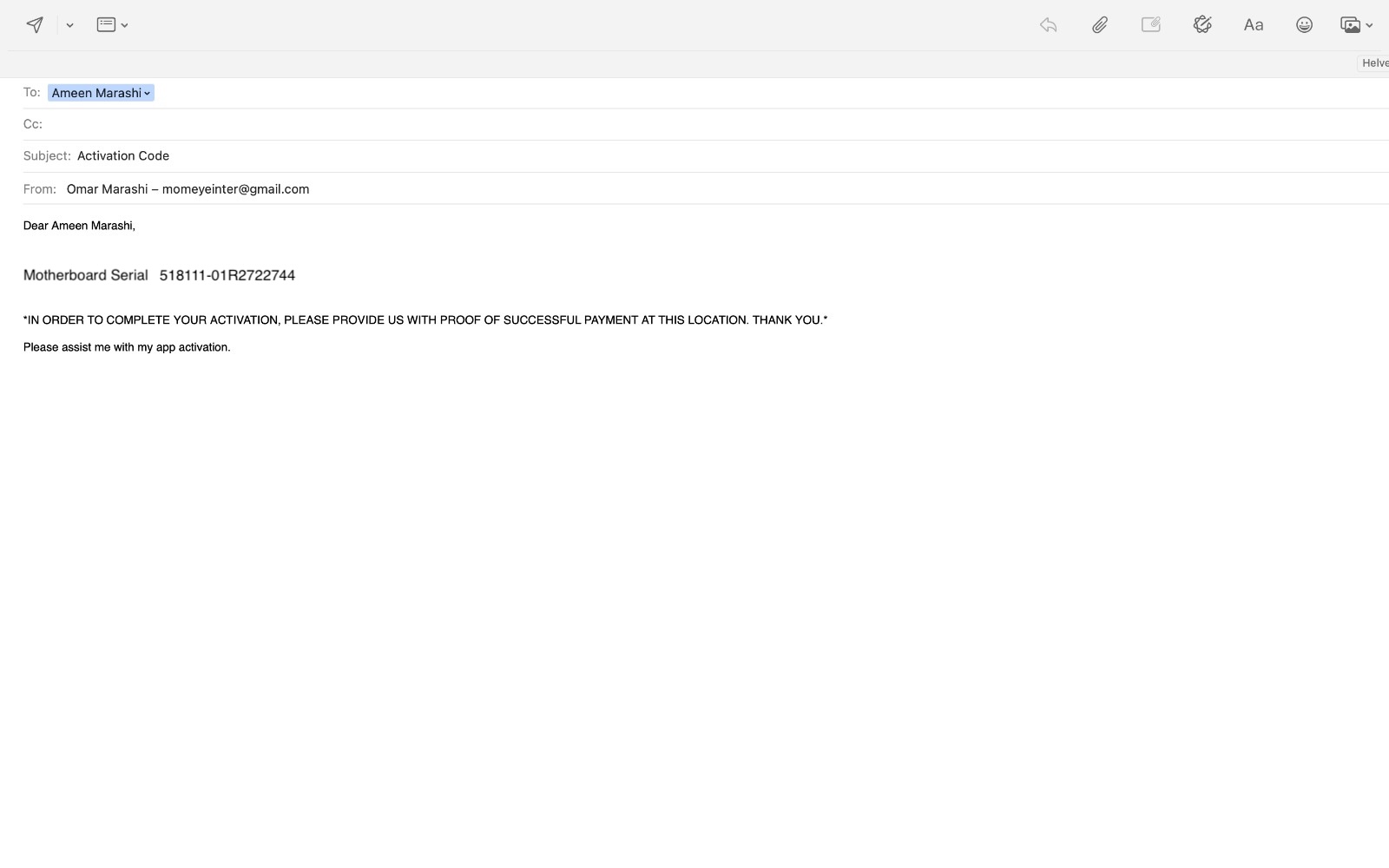
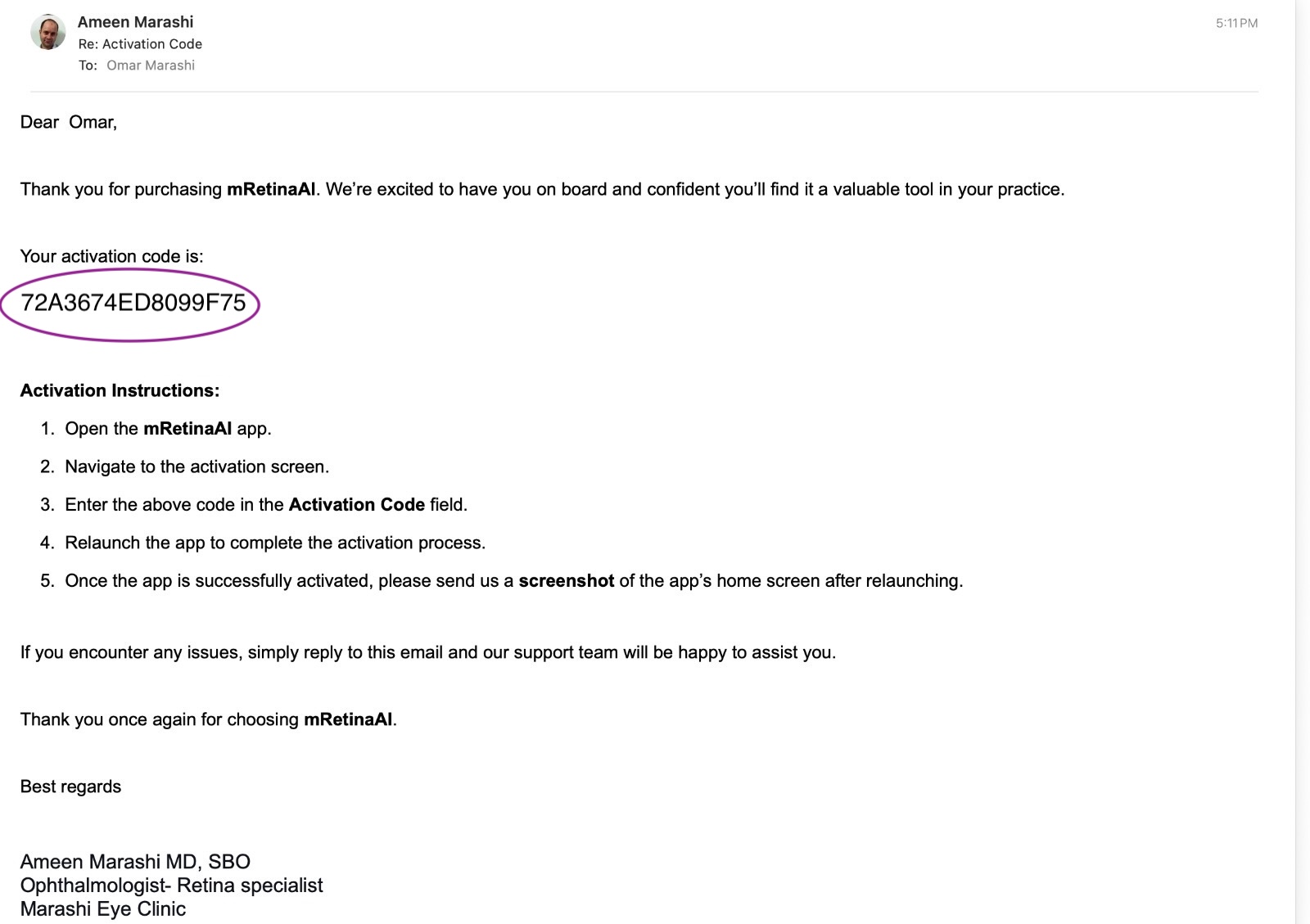
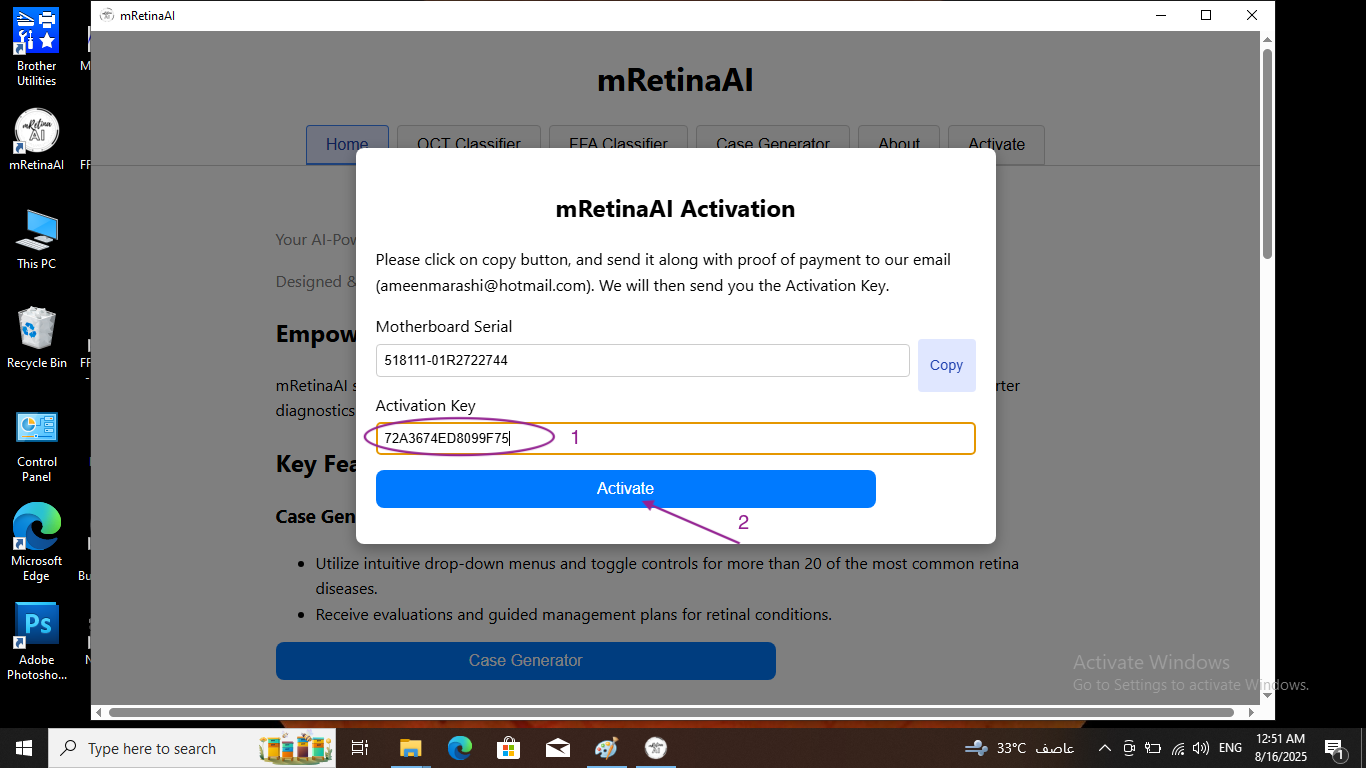
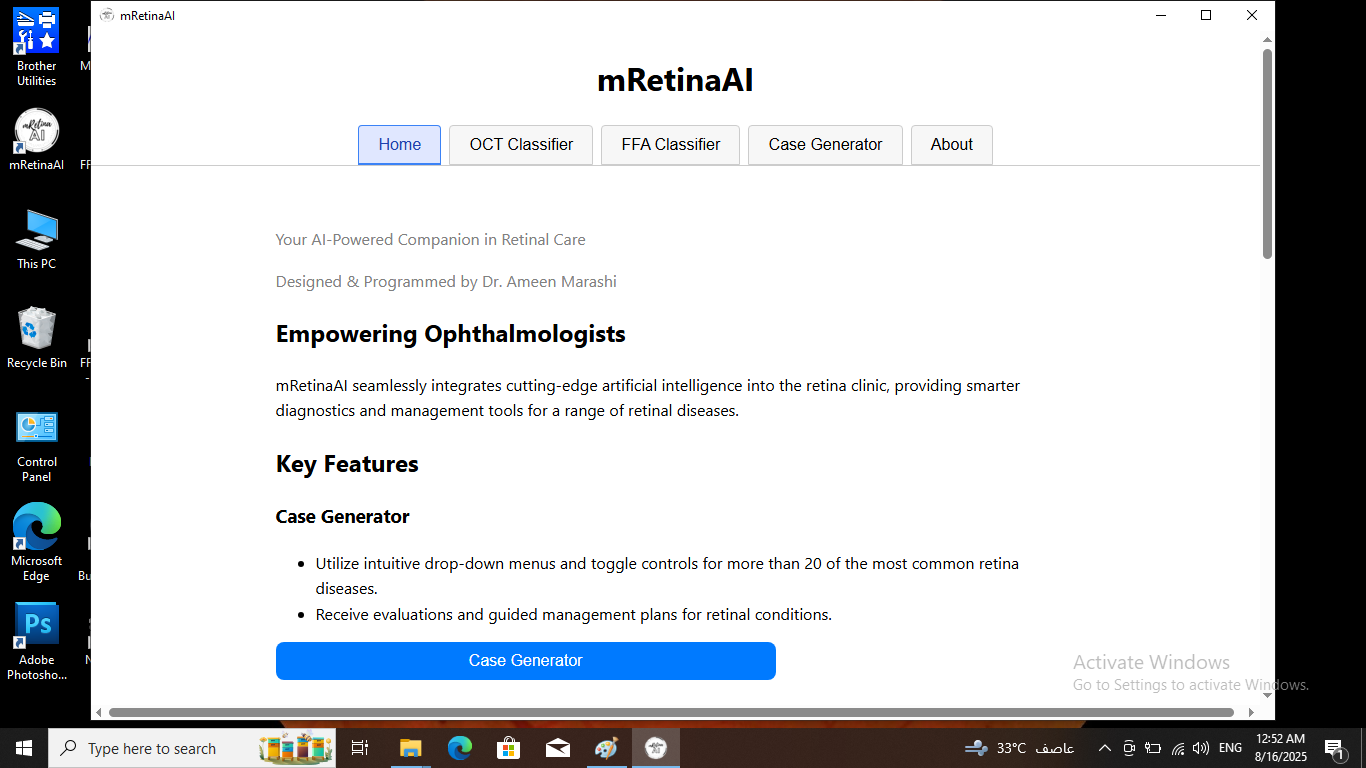
Right-click the installer and choose Run as administrator. If SmartScreen appears, click More info → Run anyway.
Ensure the Activation Key was pasted exactly as sent. Licenses are bound to your Motherboard Serial — if your Device ID changed after a hardware reset/replace, you'll need a new license.
Close heavy apps, keep sufficient free disk space, and use a 64-bit machine with 8 GB+ RAM for best inference speed.
Download the Windows app, review the privacy policy, or purchase a license to activate on your device.
Beyond clinical tools, master retina with video courses, digital textbooks, and clinical manuscripts.
Professional development through curated video courses with self-assessment tests and cases.
Start Learning →
A digital library of 10+ clinical textbooks and atlases authored for retina specialists.
View Collection →An extensive database of peer-reviewed articles, case reports, and clinical manuscripts.
Read Articles →