MACOS
Download mRetinaAI for macOS
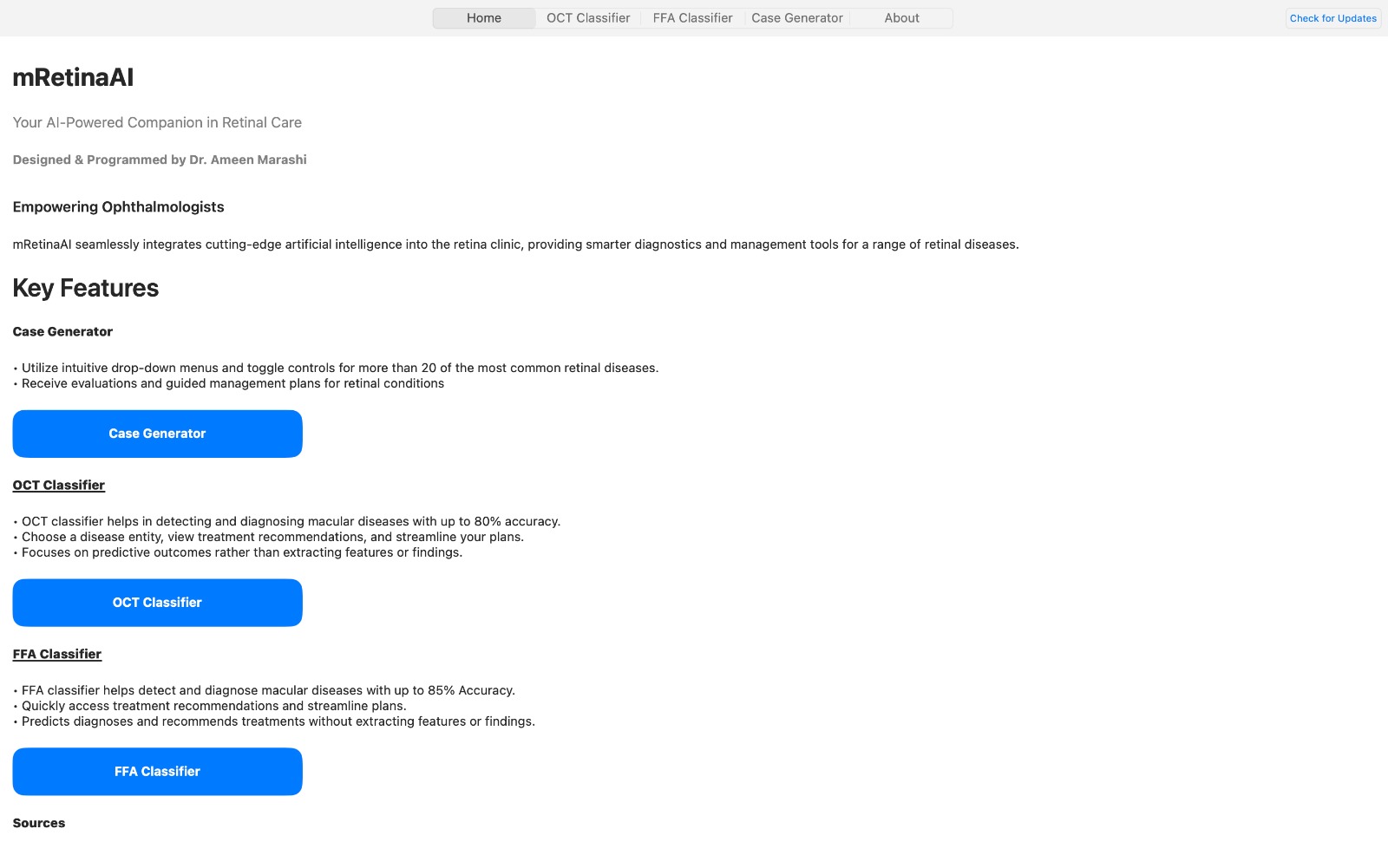
On-device OCT & FFA decision support, case generation, and offline privacy — now on macOS.
All processing happens locally on your Mac — no cloud, no patient data upload.
On-device OCT & FFA decision support, case generation, and offline privacy — now on macOS.
All processing happens locally on your Mac — no cloud, no patient data upload.
mRetinaAI for macOS delivers the same offline, clinic-ready toolkit — optimized for fast chair-time workflows and private, on-device processing.
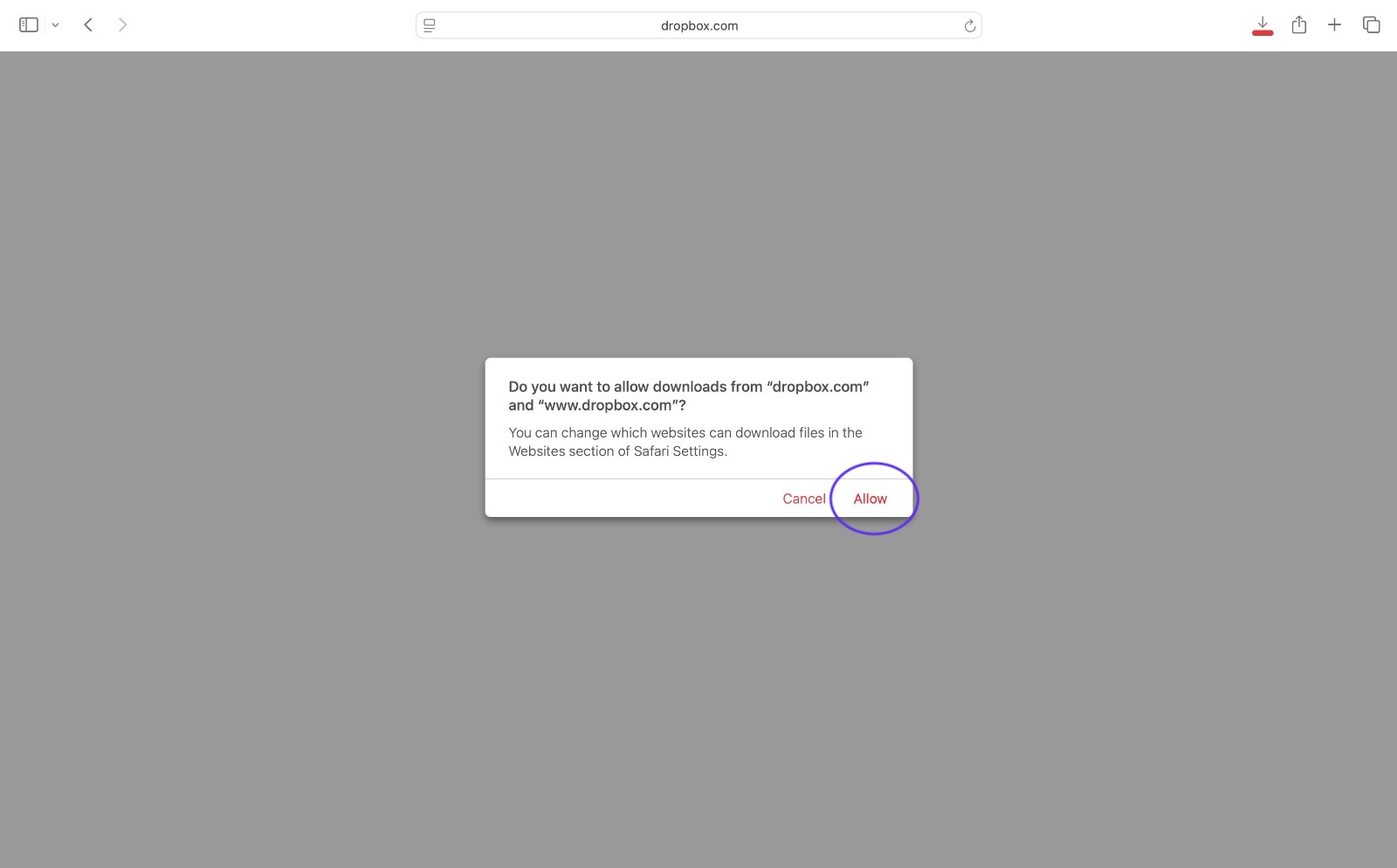
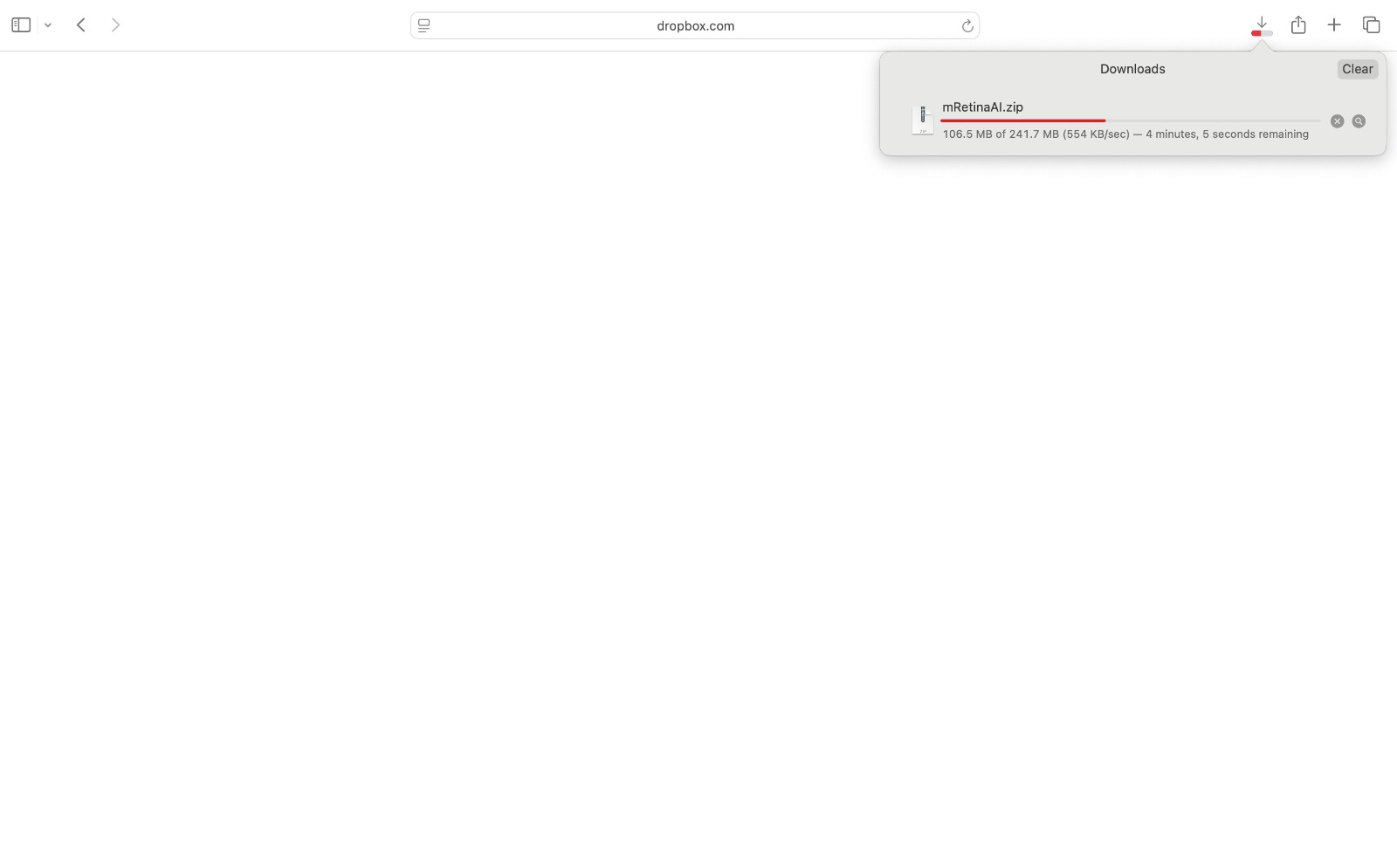
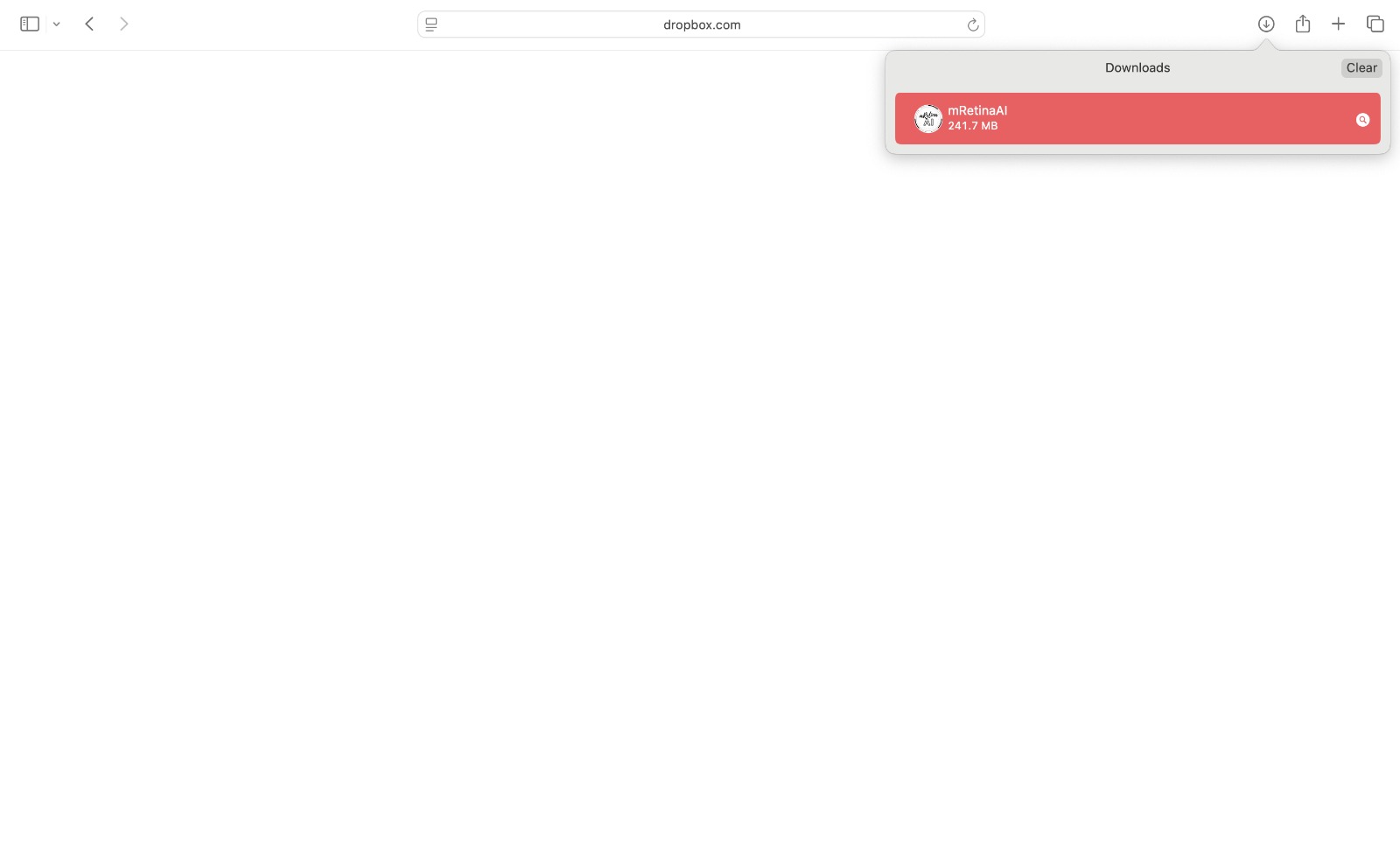
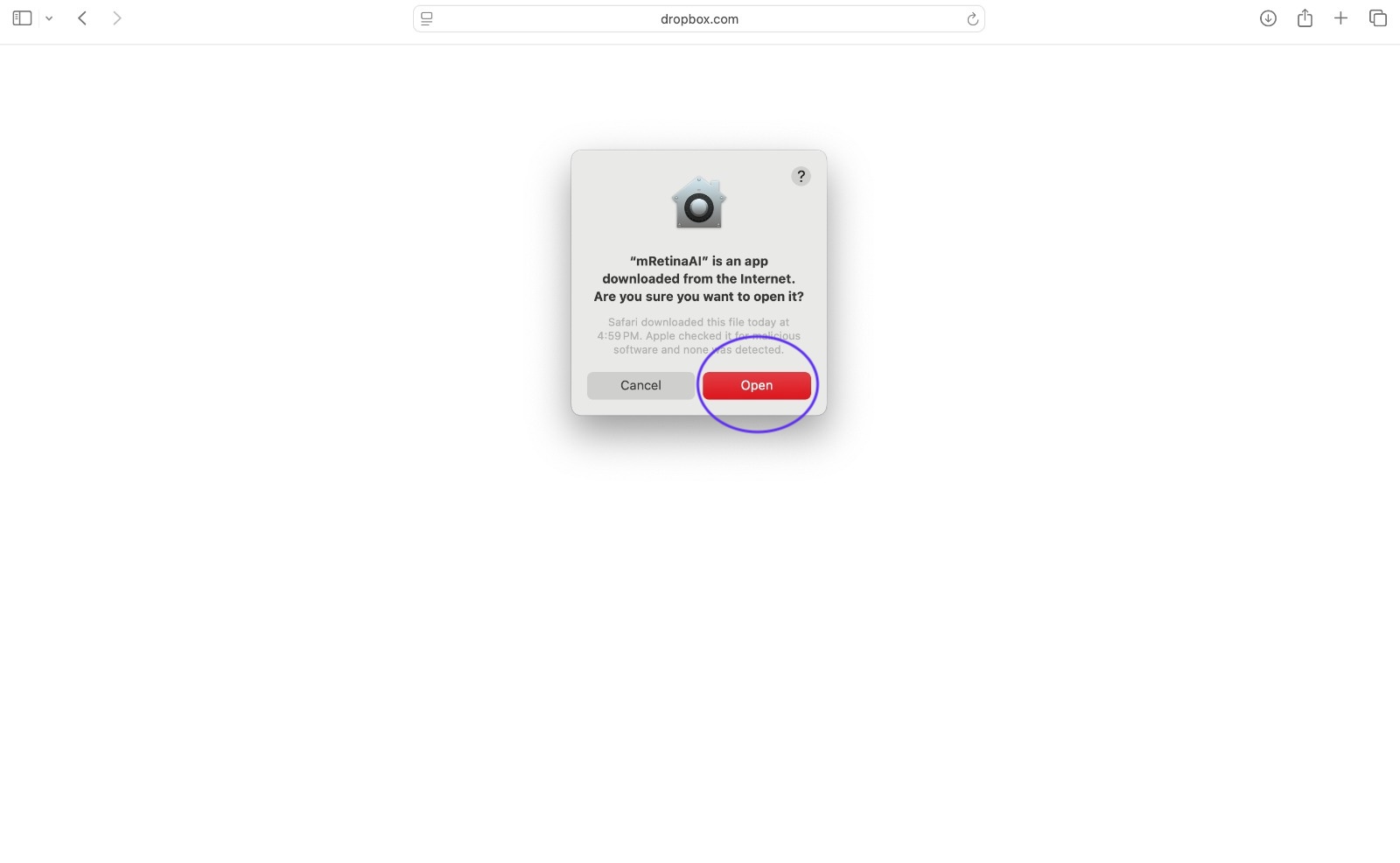
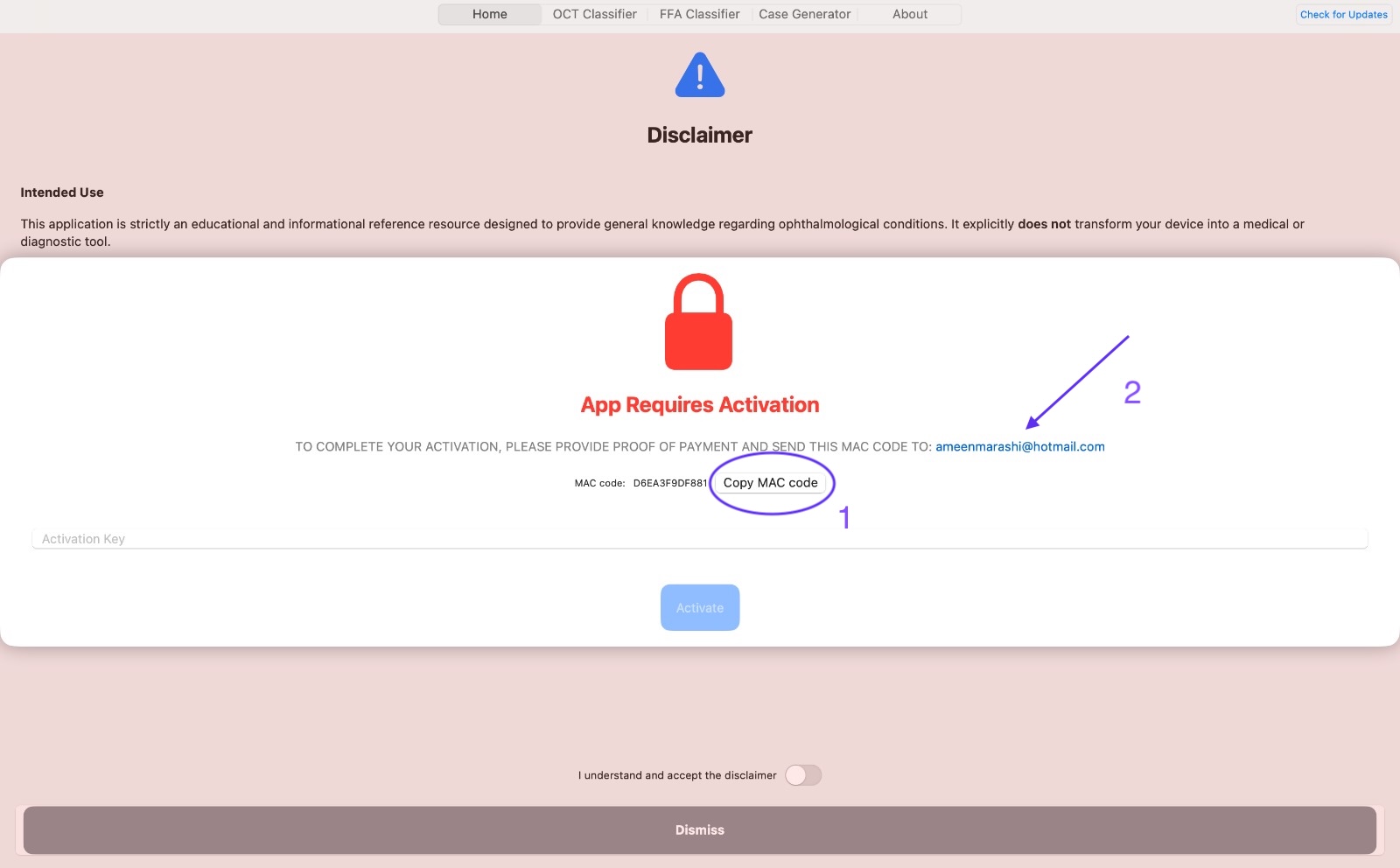
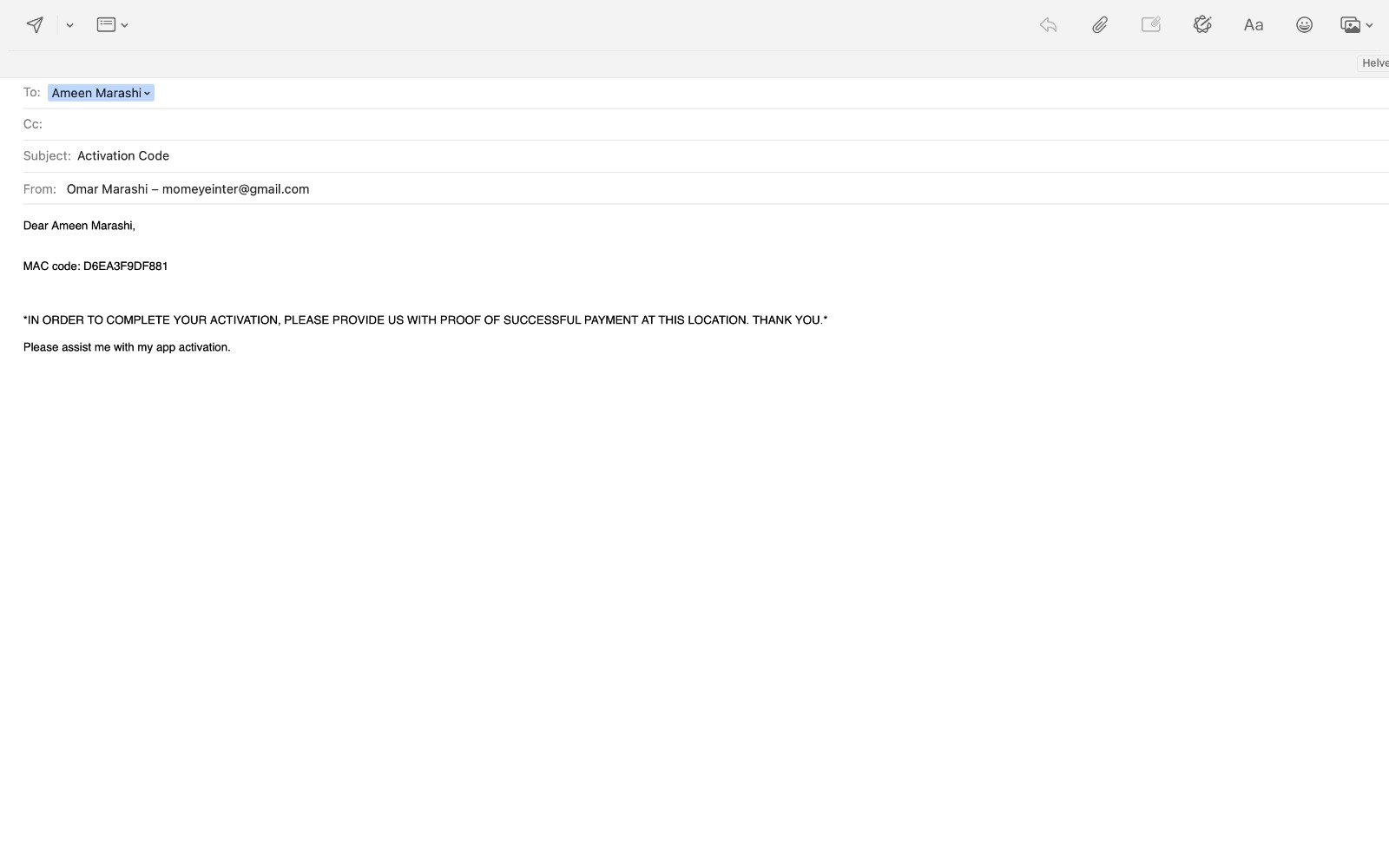
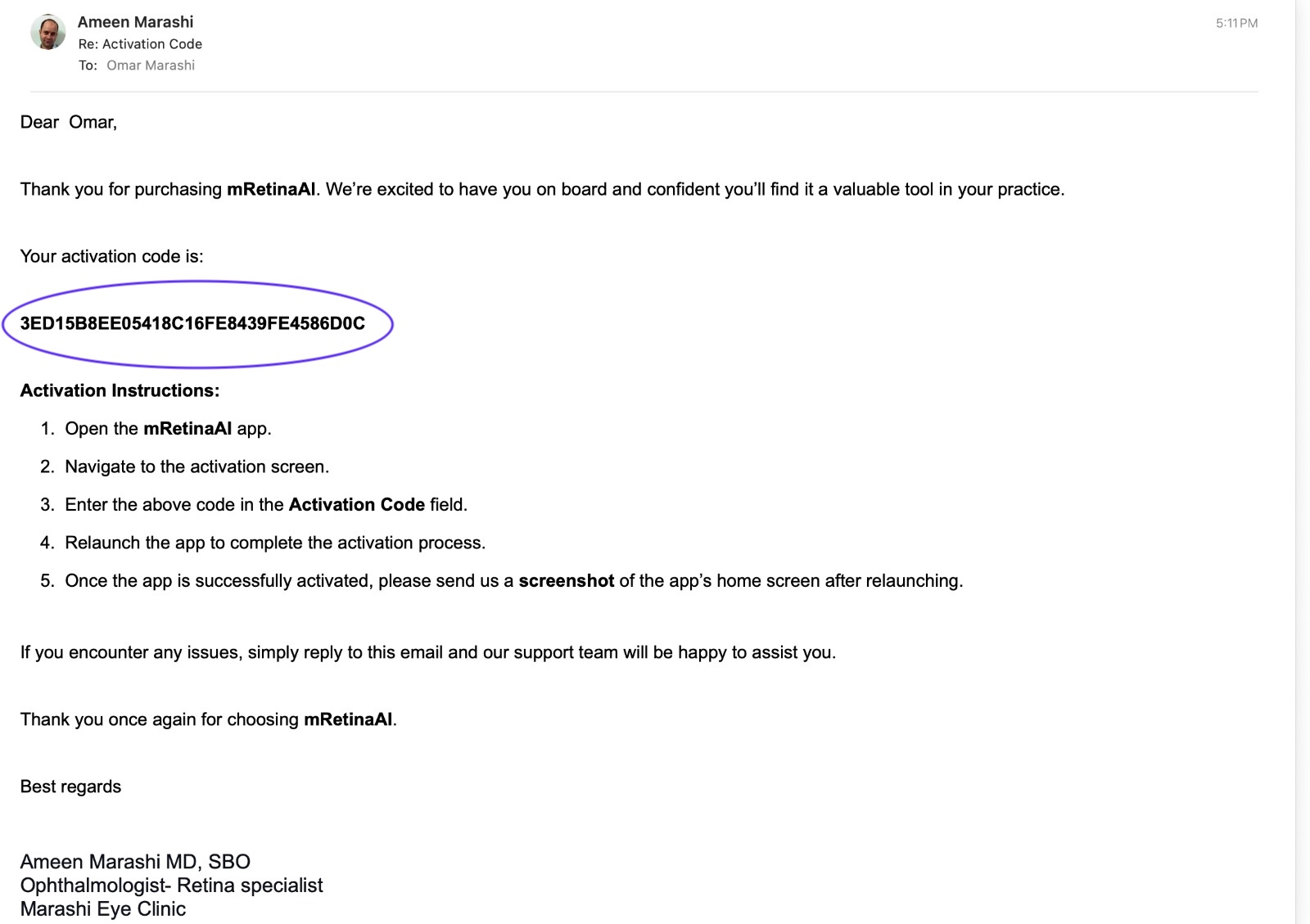
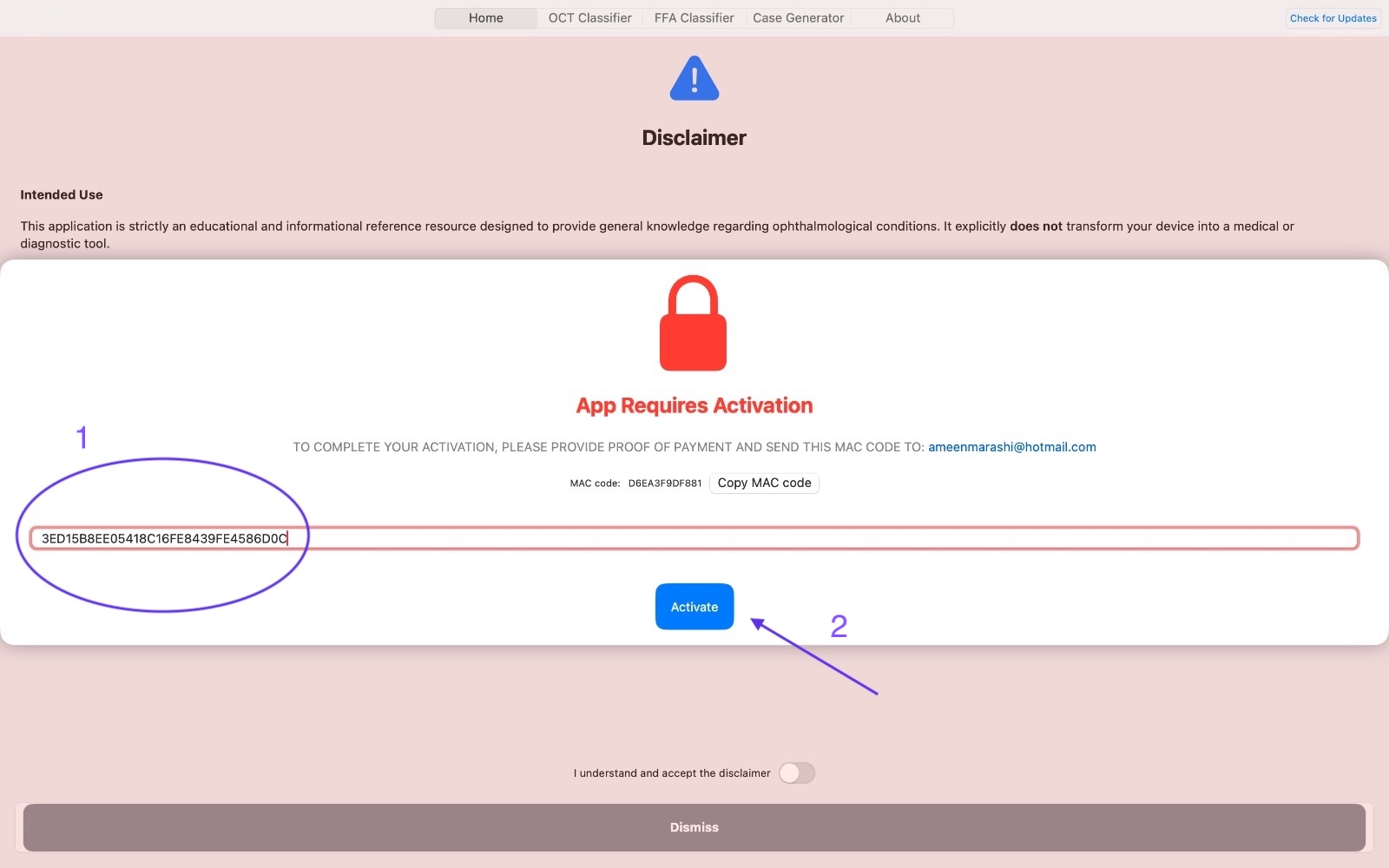
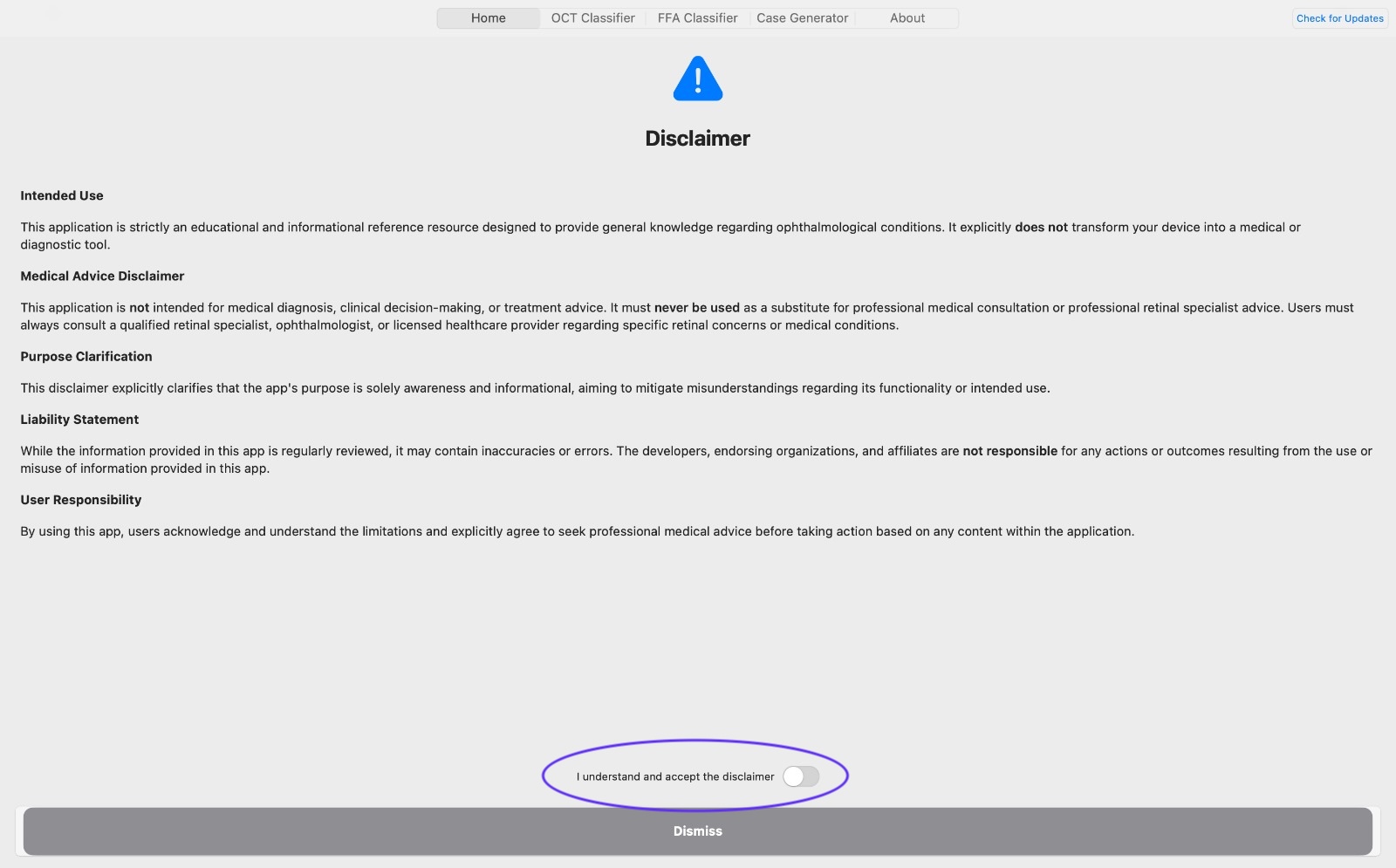
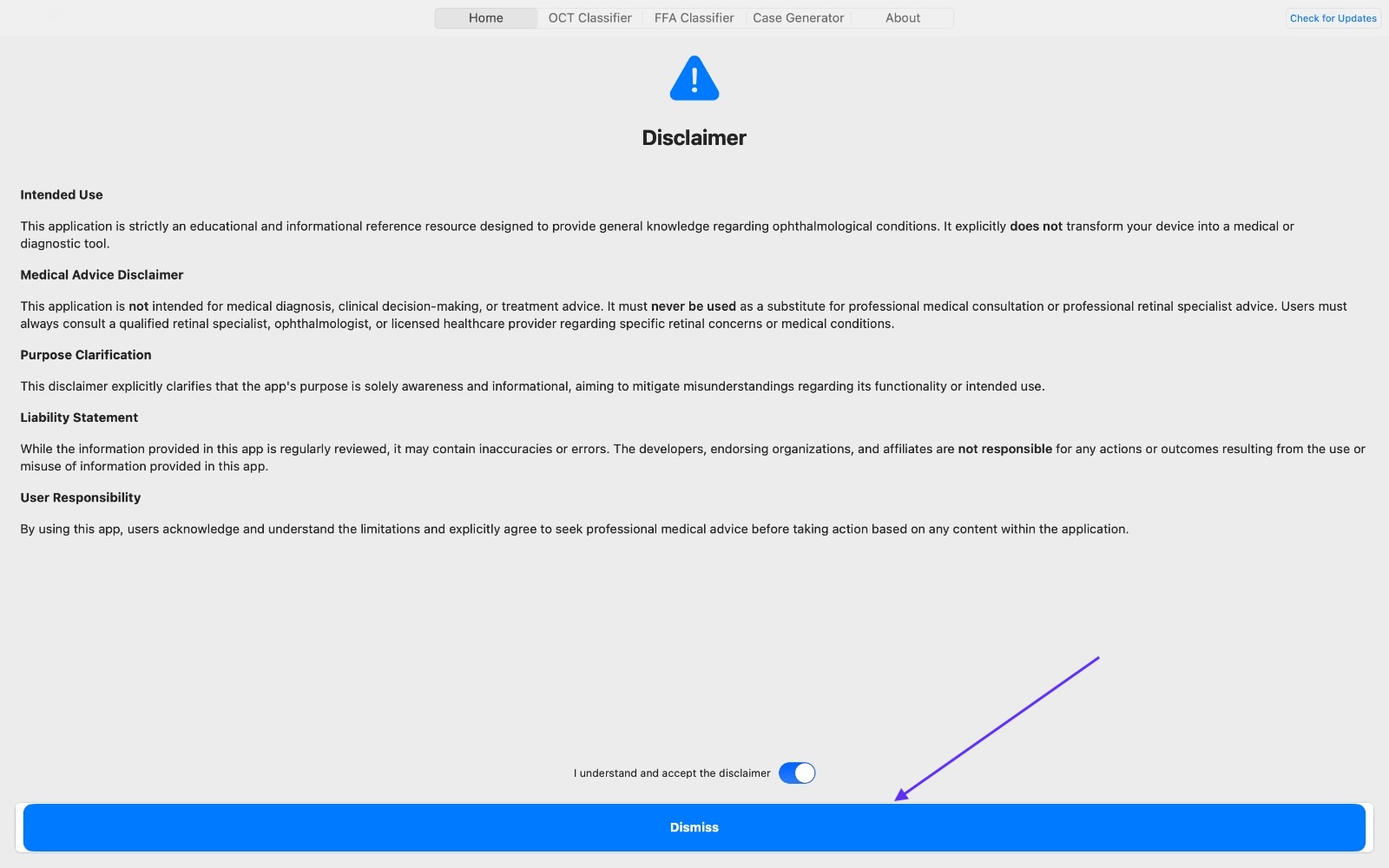
Double-check the MAC Code you submitted during purchase. Licenses are bound to the MAC Code — if it changed (e.g., device reset), you'll need a new license or a reissue per your licensing terms.
Close background apps, ensure adequate free storage, and keep your device updated to the latest macOS version. For optimal performance, utilize a MacBook equipped with Apple Silicon technology and a minimum of 8 GB of RAM.
Licenses are tied to the MAC Code and are intended for a single device. If your MAC Code changes (e.g., replacement or full reset), a new license purchase may be required.
Download the macOS app, review the privacy policy, or purchase a license to activate on your device.
Beyond clinical tools, master retina with video courses, digital textbooks, and clinical manuscripts.
Professional development through curated video courses with self-assessment tests and cases.
Start Learning →
A digital library of 10+ clinical textbooks and atlases authored for retina specialists.
View Collection →An extensive database of peer-reviewed articles, case reports, and clinical manuscripts.
Read Articles →